
What a Bernalillo County Court Docket Shows
A docket is the court's running list of every filing, every order, and every hearing in a case. Each docket entry has a date, a brief text description, and sometimes a link to the underlying document. The register of actions is the chronological view of those entries. The hearing calendar is the forward-looking view that tells parties and the public when the next court date is.
Bernalillo County dockets vary by court. A District Court criminal docket shows arraignment, motion hearings, status conferences, pretrial detention hearings if applicable, plea or trial dates, and sentencing. A District Court civil docket shows the complaint and answer, motions to dismiss, discovery deadlines, summary judgment hearings, pretrial conferences, and any trial dates. Metro Court dockets are usually shorter and faster - arraignments, virtual traffic arraignments, plea hearings, and trial dates. Probate dockets show the application, notice publication, claims, accountings, and closing statement.
How to Find Bernalillo County Court Dockets
The fastest tool is New Mexico Judiciary Case Lookup. After accepting the use disclaimer, search by name or case number. The portal lets users limit the search by filing date or hearing date - that toggle is the one most useful for docket-style searches. Set Court Type D for Second Judicial District and location 202 - Albuquerque, or Court Type T and location 4 - Albuquerque for Metro Court. The case-number format at District Court is D202ZZYYYYXXXXX, with D202CV201103421 as the official eFile example.
- Open Case Lookup and accept the disclaimer.
- Choose Name Search or Case Number Search.
- Filter to Bernalillo District (D, 202) or Metro (T, 4).
- Check "Limit search to Case Numbers with" if you want a specific case category.
- Check "Date Search" and pick Filing Date or Hearing Date.
- Set the From and To month, day, and year.
- Submit and open the matching case to read the register of actions.
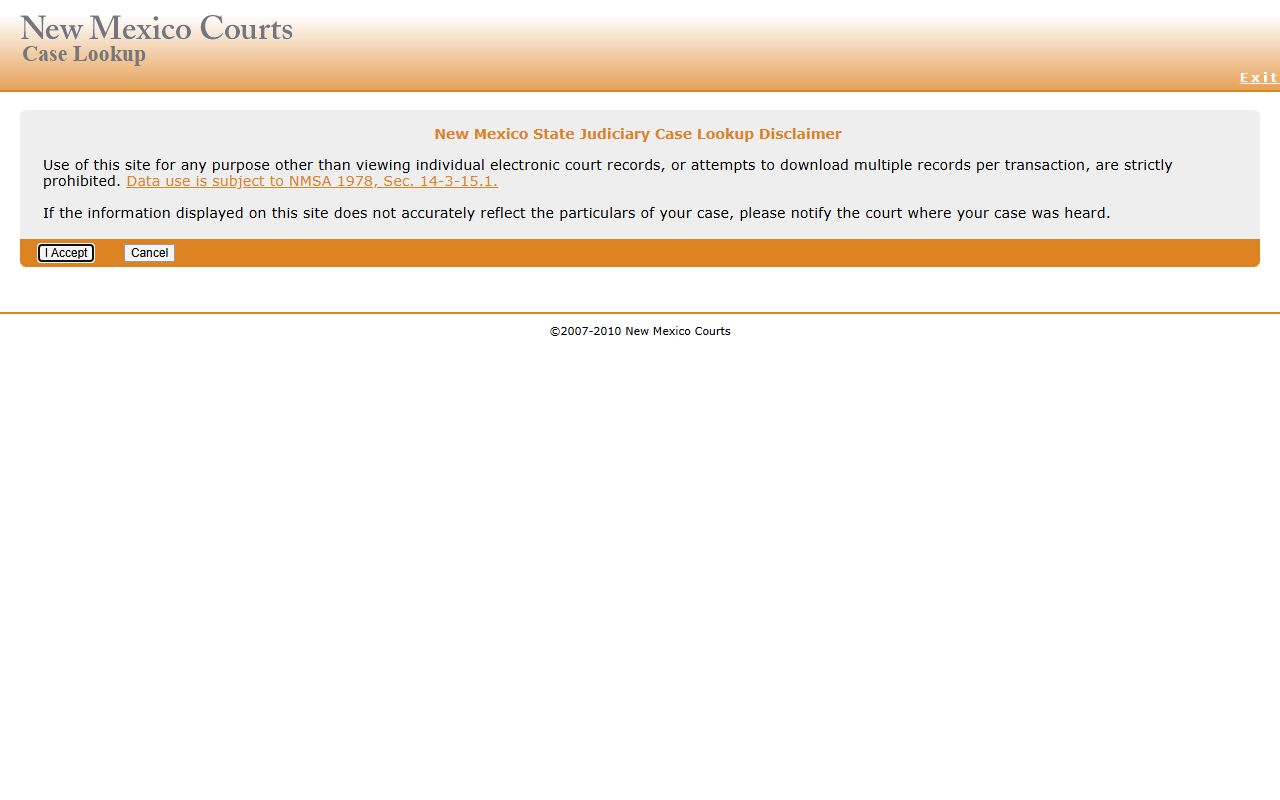
Case Lookup is the same tool that powers Bernalillo County court records searches, with a date filter that doubles as a docket filter.
Docket and Register of Action Fields
Every Bernalillo County court docket entry shares a small set of fields. The text of an entry varies by clerk and case type, but the core fields are consistent. Below is a typical inventory of what shows on a public Case Lookup register of actions for a Bernalillo District Court case.
The same field structure carries across civil, criminal, and family cases, although case-category codes (CV, CR, DM, DQ) drive what kinds of events appear. The District Court eFile case-number format D202ZZYYYYXXXXX makes it easy to spot the court of origin and the filing year just from the number itself. Metro Court dockets use a T4 prefix and a shorter sequence number, which reflects the much higher case volume at the limited-jurisdiction court.
| Field | What It Shows |
|---|---|
| Sequence Number | Internal docket line number for the entry |
| Date | Date the entry was added to the case |
| Event / Docket Text | Short text describing the filing, order, or hearing |
| Filing Party | Person or attorney who filed (where shown) |
| Hearing Date / Time | For scheduled hearings only |
| Judge / Division | Judge or division assigned to the event |
| Document Indicator | Whether an underlying document is available for request |
District vs Metro Court Dockets
The Second Judicial District and the Bernalillo County Metropolitan Court keep separate dockets. Cases can move between them when a felony bound over from Metro Court becomes a District Court case. The District Court docket then opens with a new D202CR case number, while the Metro Court T4FR or T4CR file usually closes.
| Feature | Second Judicial District Court | Bernalillo County Metropolitan Court |
|---|---|---|
| Case Prefix | D202 | T4 |
| Main Cases | Felonies, civil >$10k, family, juvenile | Misdemeanors, DWI, traffic, civil ≤$10k |
| Jury Trials | Yes | Yes (limited) |
| Audio Recordings | Special Services 505-841-5421 | Records Custodian metrrecordscustodian@nmcourts.gov |
| Copy Cost | $0.35/page; $1.50 certification | $0.50/page; $1.00 certified per page |
Audio Recordings and Transcripts
Bernalillo District Court hearings are recorded. Audio recordings or other records on CD cost $4.00. The Special Services line handles audio requests at 505-841-5421, with email at ssrequests@nmcourts.gov. Transcripts prepared by court reporters or transcribers cost more and run through separate transcript-services channels listed on the case records request page.
Metro Court hearings are recorded and copies can be obtained through the Records Viewing Room on the first floor, by emailing the Records Custodian, or by searching through Case Lookup for case-level data. Metro Court charges $0.50 per page for copies and $1.00 per page for certified copies. Audio rates and procedures for Metro Court should be confirmed with the records custodian before request.
Note: Audio recordings of confidential hearings, sealed proceedings, and Children's Court matters are not released to the public.
How to Read a Bernalillo County Docket Entry
Docket text uses court shorthand. "MOT" usually means motion. "ORD" means order. "HRG" means hearing. "PLEA" means a plea was entered. "JUD" means a judgment was entered. "SENT" means sentence was imposed. Each entry usually carries a date and the name of the filing party or the issuing judge. The register of actions reads from filing forward, which is the right order for understanding how a case got to where it is today.
- Confirm the case number and parties match the case you expected.
- Find the first filing date.
- Scan for arraignment, plea, or answer entries to mark the start of the active case.
- Look for hearing entries with a date in the past - those are events that already happened.
- Look for hearing entries with a date in the future - those are scheduled events.
- Find the disposition entry or the final order, if any, to confirm the case status.
When Bernalillo County Docket Data Updates
The Case Lookup disclaimer states that data is available within hours of entry into a court's database. Hearing notices and orders usually appear quickly. Filings made at the courthouse counter near closing time may not show online until the next business day. Audio links and full document images are not always available online for every event, even when the docket entry is visible. If a docket looks incomplete, call the issuing court.
Sealed entries, sealed orders, and Children's Court matters do not appear in public docket views. Order-of-protection cases under the Family Violence Protection Act have not appeared on Case Lookup since July 1, 2008 and must be reached through the issuing court directly.
Bernalillo County also serves users through the Secure Court Case Access portal, known as SOPA. That portal needs a registered User ID and password and gives a broader view of court records than the free public Case Lookup, including documents in some matters. The Supreme Court's online access policy controls who qualifies for SOPA accounts. Most members of the public will not have a SOPA account and should plan to use the free Case Lookup tool for docket review.